Brevian Product Pulse for March 26 - April 1, 2026
How Brevian is evolving to help sales teams move faster and win smarter.
Start conversations faster with a guided chat experience
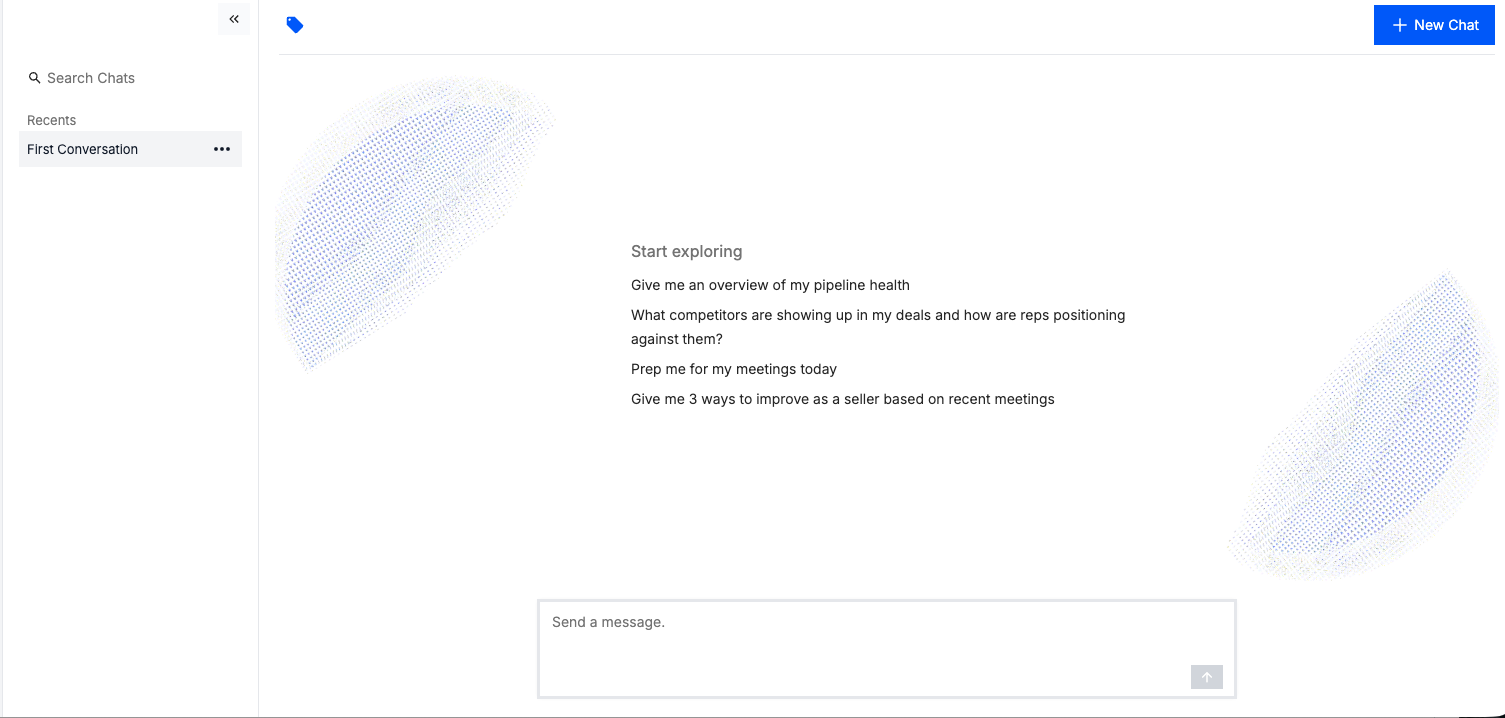
When you access the Analyst page, the chat experience now includes a landing screen with suggested prompts. These prompts help you to quickly engage with the Brevian agent, reducing ramp-up time for first-time engagements.
When you access a chat, sample prompts display:
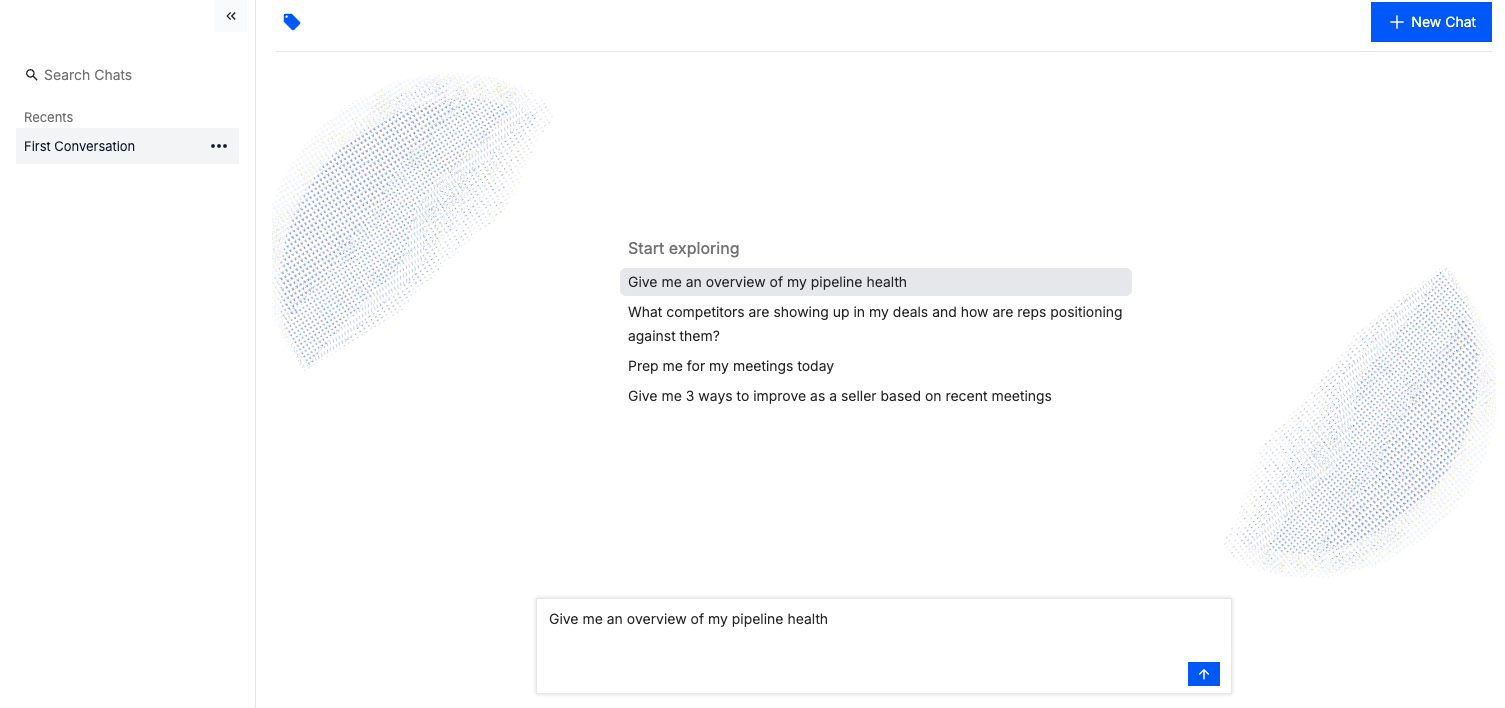
You can select a prompt to populate the message field:
Filter participants by manager
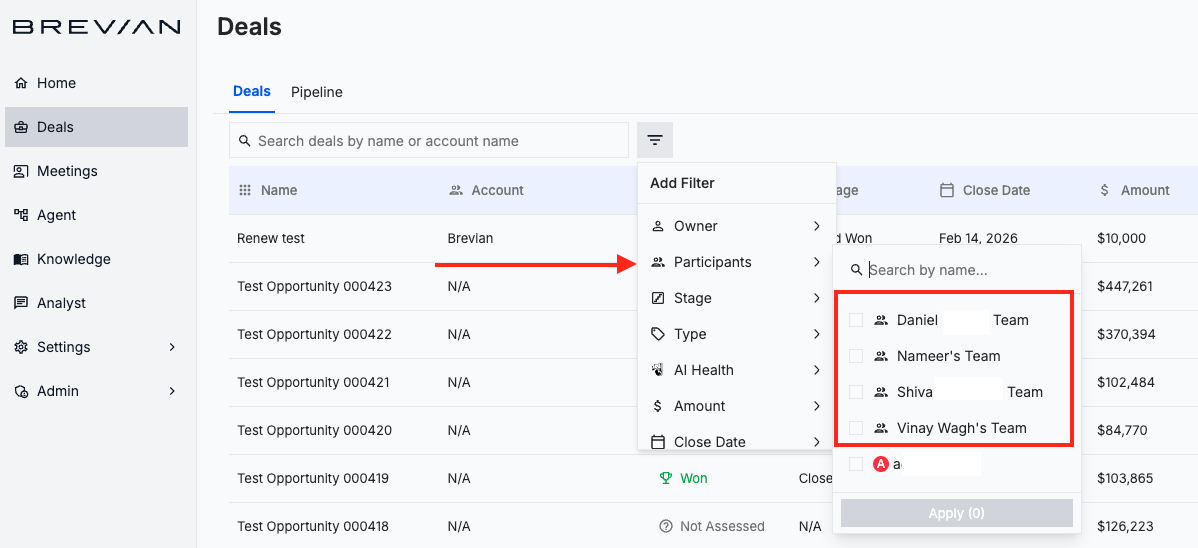
In the Meetings page and Deals page, you can filter results based on managers and their teams.
This update makes it easier to analyze team structures, identify decision-makers, and understand organizational influence within deals.
Access the Meetings or Deals page, and then select the filter:
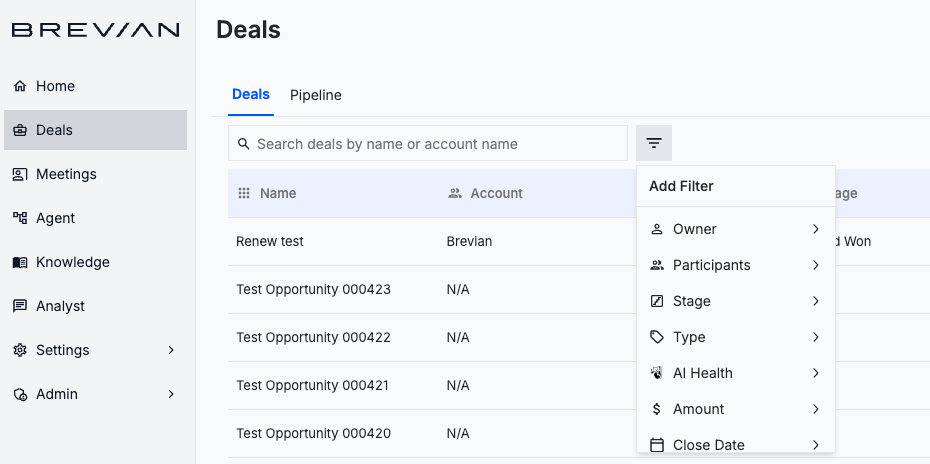
Select Participants; managers and their teams display at the top of the list:
Updated chat functionality across Brevian
We’ve expanded and refined how the chat functionality works across the Brevian app, making it easier to access insights wherever you’re working.
With this release:
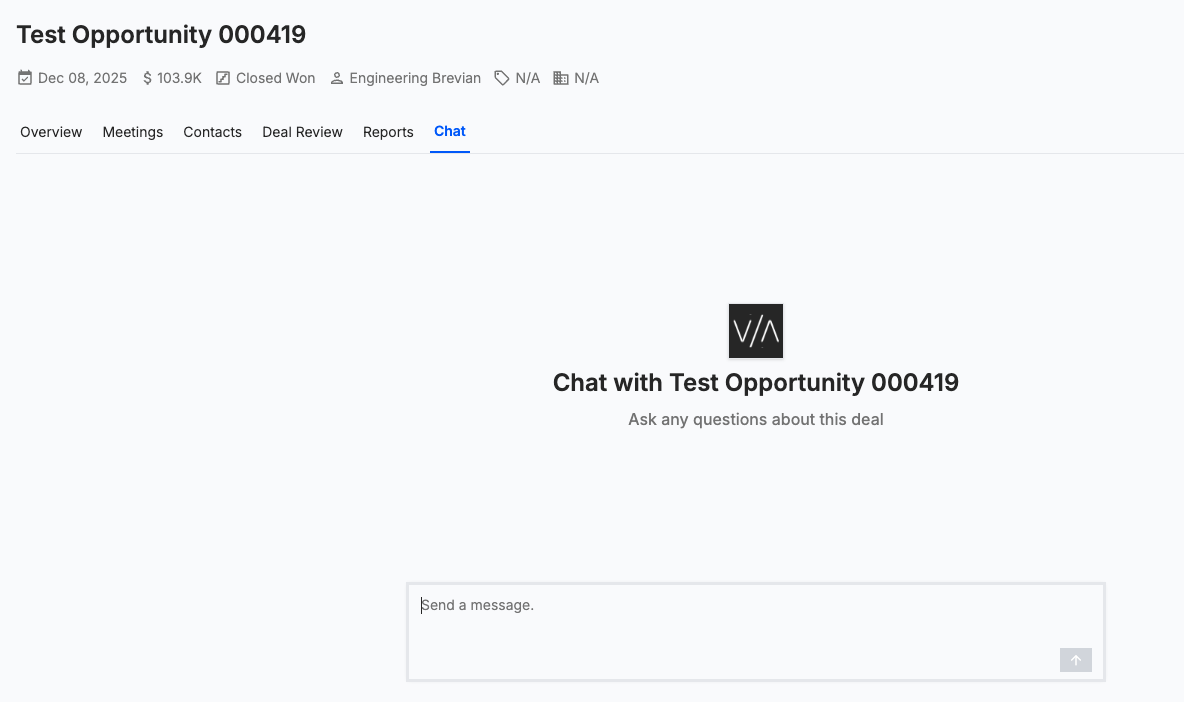
- Chat functionality is now available directly within the deal details page.
- To complement the existing chat functionality in the meeting details page, conversations are now tied to each meeting or deal, so when you navigate away from a page and return, your previous messages are still there.
- You can now engage with the chat functionality before a meeting starts in the meeting details page.
Access chat from the deal details page: