Brevian Product Pulse for April 2 - 8, 2026
How Brevian is evolving to help sales teams move faster and win smarter.
Use voice chat to engage with Brevian agents
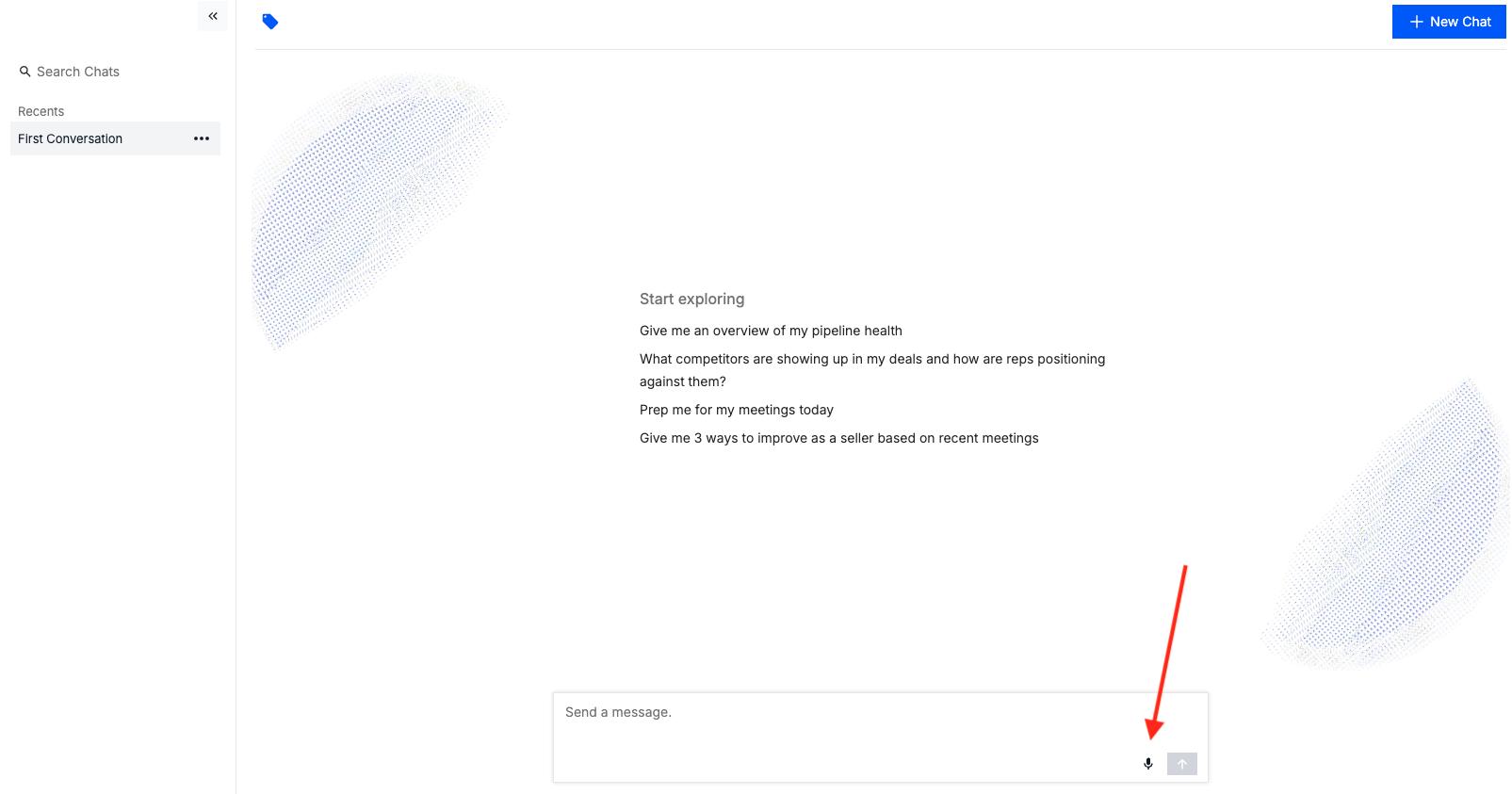
When you access the Analyst page, the chat experience now supports voice chat, allowing you to interact with the Brevian agent using voice instead of typing. This update makes it faster to ask questions, search CRM data, and get insights.
When you access a chat, select the microphone icon:
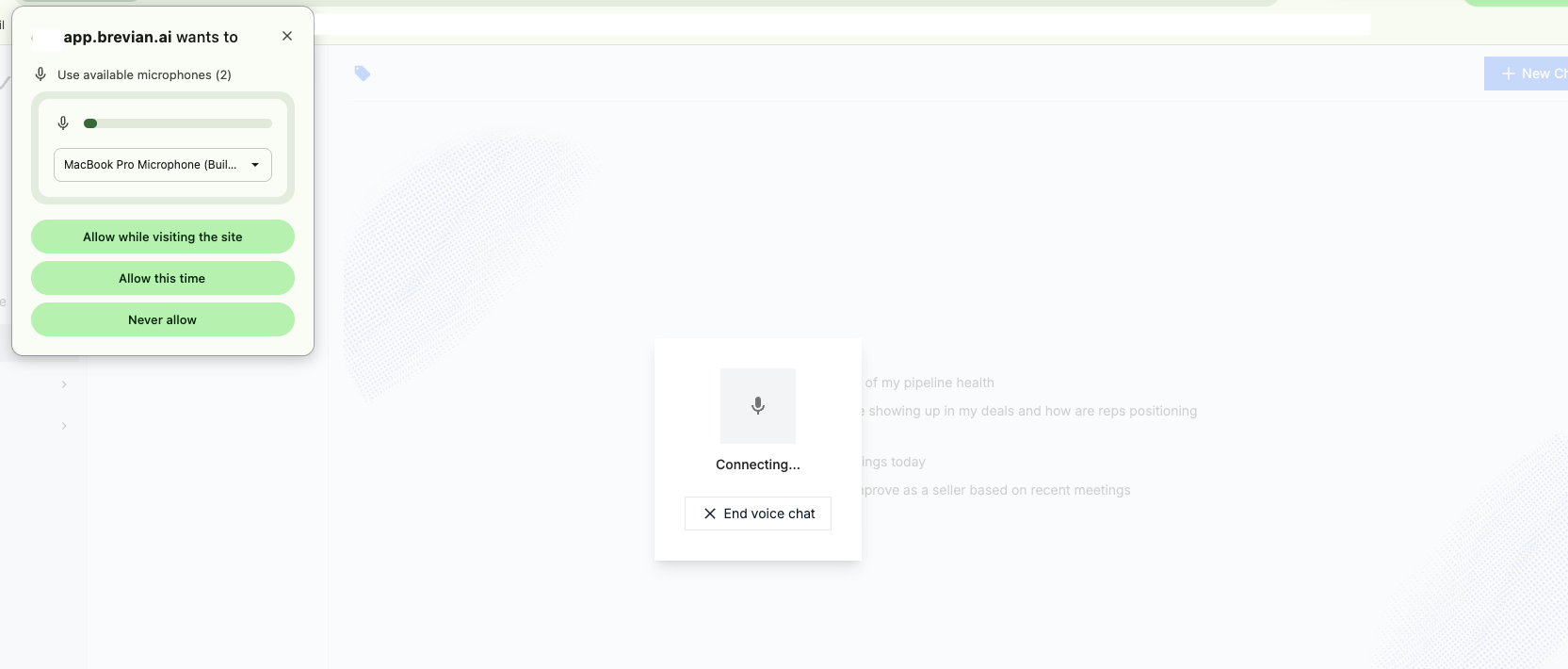
Configure your machine to allow microphone access:
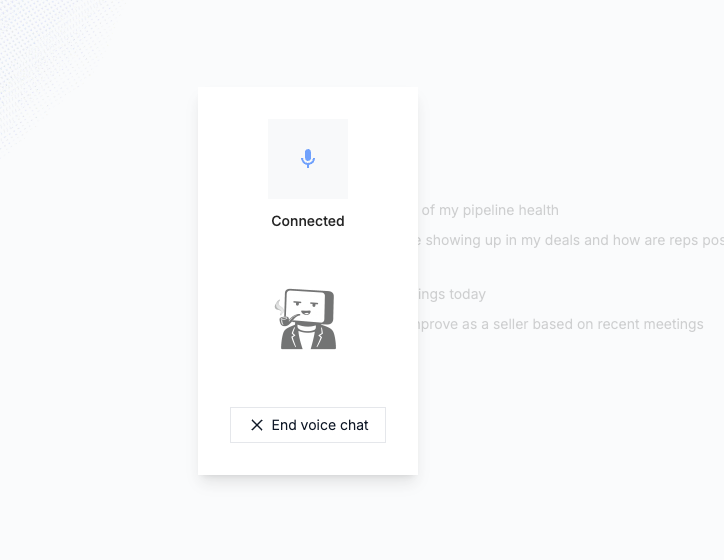
When connected, start speaking with the Brevian agent:
When you’re speaking, the Brevian agent listens as the background chat window populates with your comments in real-time:

When you pause, the agent responds accordingly:
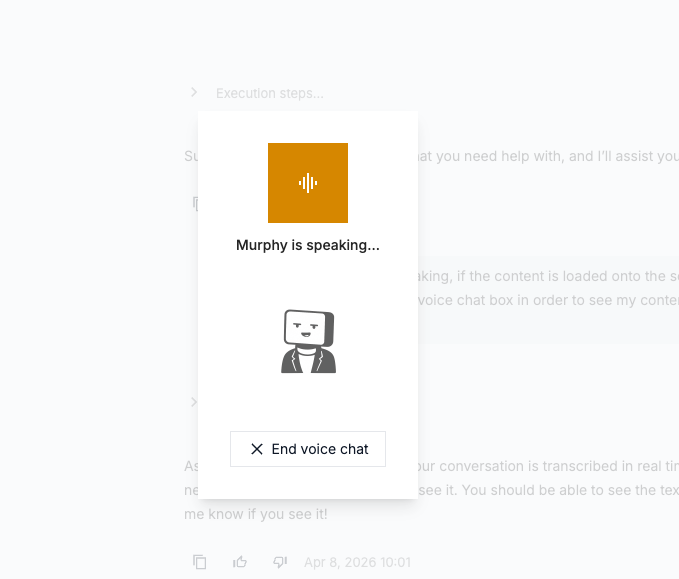
Select “End voice chat,” and you’ll be redirected to the chat window with the conversation populated.
Improvements to HubSpot integration
- We’ve improved our HubSpot configurations by preventing activity sync timeouts. This update ensures your CRM data stays up to date and reduces the risk of missing or incomplete activity data between Brevian and HubSpot.
- To address changes in the HubSpot integration process, we’ve updated our documentation. To learn more, see Integrations > HubSpot Integration.
Additional search function in meetings
To complement the existing search function in the Meetings table view, in this release we added a search function in the Meetings calendar view.
Currently, you can search by meeting names.
In the Meetings calendar view, select the search icon, and then enter your search parameters (the name of the meeting):

You’ll be redirected to the Meetings table view with a list of matching meeting names:

View full meeting invitees
The Meeting > Summary page now displays all meeting invitees, providing a more complete and accurate view of who was involved in the meeting.
Previously, this page would only display detected speakers from the transcript; however, this update addresses all meeting invitees, including those who do not speak in a meeting.